Reading the JSON file
-
Double-click tFileInputJSON to open its
Component view.
-
Select JsonPath without loop from the
Read By drop-down list. -
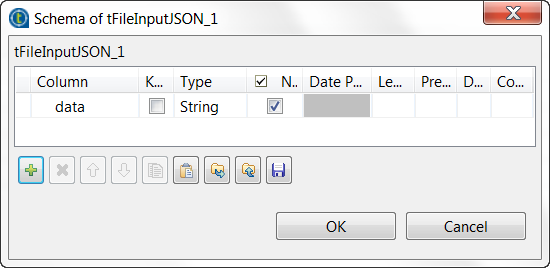
Click the […] button next to Edit schema to open the schema editor.
-
Click the [+] button to add one row and name
it, for example, to data. -
Click OK to validate these changes and accept
the propagation prompted by the pop-up dialog box. -
In the Filename field, browse, or enter the
path to the source JSON file in which the parameter to be sent is stored. -
In the Mapping table, the data column you defined in the previous step in the
component schema has been automatically added. In the JSONPath query column of this table, enter the JSON path, in
double quotation marks, to extract the parameter to be sent. In this scenario,
the path isecho[0].data.
Document get from Talend https://help.talend.com
Thank you for watching.
Subscribe
Login
0 Comments