Adding and linking another output component
-
In your Studio, open the Job used in the previous scenario to display it in
the design workspace. -
Add another tLogRow component to the Job by typing its
name in the design workspace or dropping it from the Palette. -
Link the tXMLMap component to the second tLogRow using a Row
> *New Output* (Main) connection. In the pop-up
dialog box, enter the name of the output connection, Reject in this example.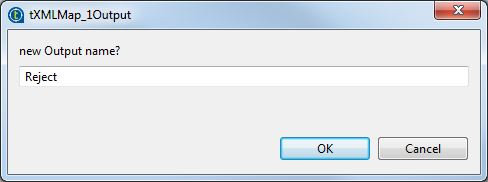
Document get from Talend https://help.talend.com
Thank you for watching.
Subscribe
Login
0 Comments