Configuring tCollector
-
Double-click tCollector to open its
Component view.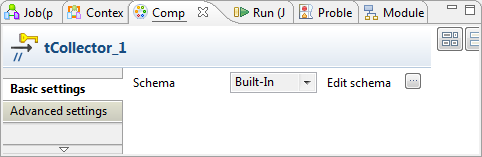
-
Click the

button next to Edit
schema to open the schema editor. - Press Ctrl+V to paste the tPartitioner component schema.
-
Click OK to validate these changes and
accept the propagation prompted by the pop-up dialog box.
Document get from Talend https://help.talend.com
Thank you for watching.
Subscribe
Login
0 Comments