Creating a connection to Amazon S3
-
Double-click the tS3Connection component to open its
Basic settings view
on the Component
tab.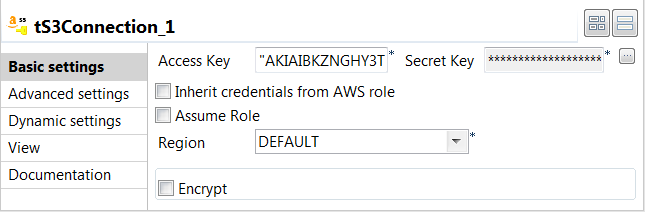
-
In the Access Key and
Secret Key fields,
enter the authentication credentials required to access
Amazon S3. -
From the Region drop-down
list, select an AWS region where the object will be uploaded
and copied. In this example, we keep the default
setting.
Document get from Talend https://help.talend.com
Thank you for watching.
Subscribe
Login
0 Comments