Fetching the
message
- Press Ctrl+S to save your Job.
-
Press F6 or click Run on the Run tab to
execute the Job.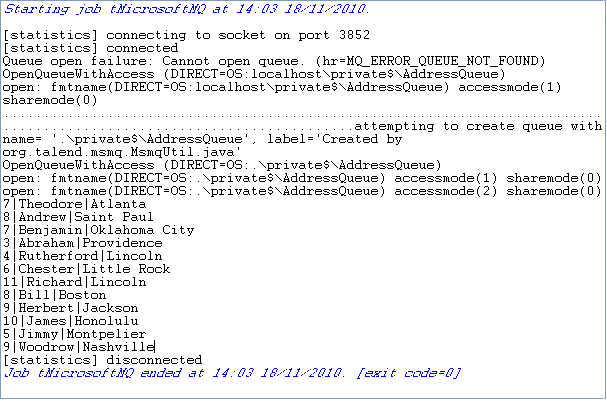 You can see that this queue has been created automatically and that the
messages have been written.
Document get from Talend https://help.talend.com
Thank you for watching.
Subscribe
Login
0 Comments