Job execution
-
Press CTRL+S to save your Job and press F6 to run it.
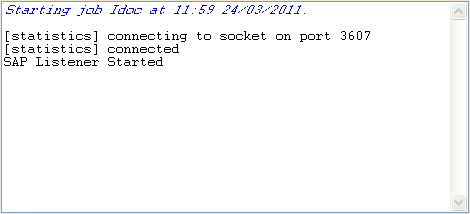 From this console, you can read that the tSAPIDocInput component is listening to this given SAP R/3
system. -
Back to the created RFC Destination in this SAP R/3 system, click
Test connection.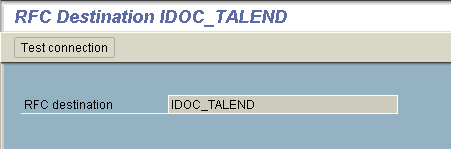
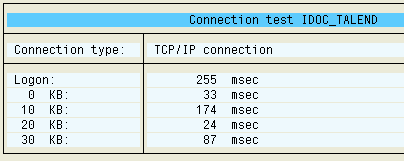
The test result indicates that the connection between this given SAP R/3 system
and the listener component tSAPIDocInput component
succeeds.
Now the tSAPIDocInput component is
listening to your SAP R/3 system and wait for the invocation of the previously
defined RFC Destination.
Document get from Talend https://help.talend.com
Thank you for watching.
Subscribe
Login
0 Comments