Setting metadata for the Source Integration Action
You can add metadata and/or an icon of your choice to Integration Actions in the
Studio to have more readable Flows when you publish the Integration Action to the
Cloud.
Studio to have more readable Flows when you publish the Integration Action to the
Cloud.
- The Integration Action is open in the
Studio.
Click the Integration Action tab in the
design workspace and define the metadata for the Source Integration Action in
the Main view.
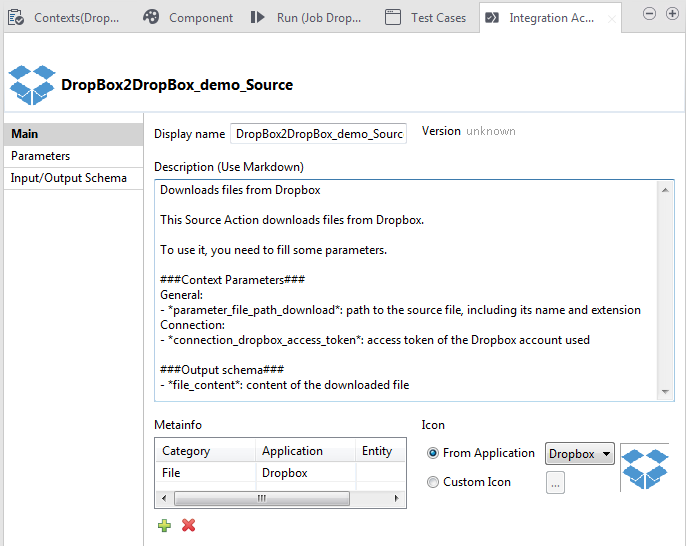
design workspace and define the metadata for the Source Integration Action in
the Main view.
If the Integration Action tab does not show
in the Studio, click Window > Show view >
Talend
, and select
Integration Action.
in the Studio, click Window > Show view >
Talend
, and select
Integration Action.
For further information about metadata, see the
Talend Integration Cloud Studio Developer Guide.
Talend Integration Cloud Studio Developer Guide.
Document get from Talend https://help.talend.com
Thank you for watching.
Subscribe
Login
0 Comments