Configuring the listener component tSAPIDocInput
In the
Integration
perspective of your Studio, proceed as
follows:.
-
Drop the tSAPIDocInput component from the
Palette onto the design
workspace.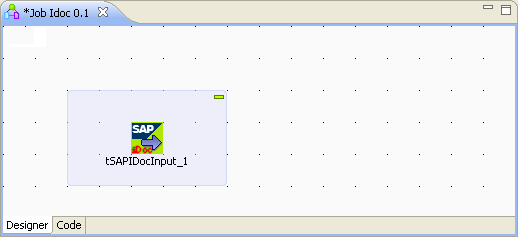
-
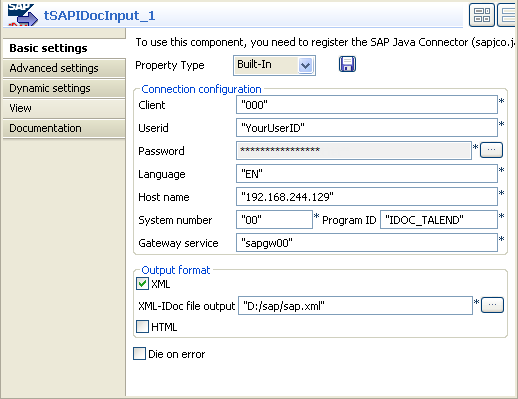
Double-click this component to open its Component view.
-
In the Client field, type in the client
number of this given SAP R/3 system. In this scenario, it is
000.. -
In the Userid and Password fields, type in the authentication information in
the corresponding field. -
In the Language field, type in the
language used by this given SAP R/3 system. In this example, it is
EN. -
In the Host name field, type in the IP
address of the hosting server of this given SAP R/3 system. -
In the System number field, type in the
system number of this given SAP R/3 system. -
In the Gateway service field, type in the
used gateway service name. -
In the Program ID field, type in the
program ID you have defined when creating the required RFC Destination. In
this example, it is IDOC_TALEND. -
In the XML-IDoc file output field, enter
the path or browse to the location where you need to store the received SAP
IDoc file.
Document get from Talend https://help.talend.com
Thank you for watching.
Subscribe
Login
0 Comments