Configuring the tSetGlobalVar component
-
Double-click the tSetGlobalVar component to
display its Basic settings view.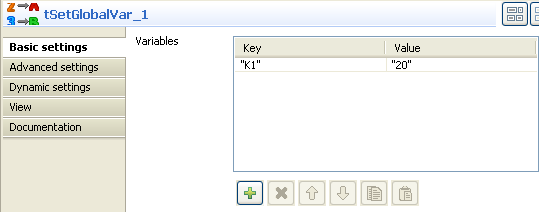
-
Click the plus button to add a line in the Variables table, and fill the Key and Value fields with
K1 and 20 respectively. -
Then double-click the tJava component to
display its Basic settings view.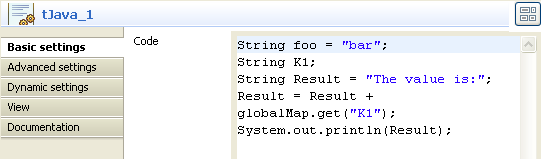
-
In the Code area, type in the following
lines:1234String foo = "bar";String K1;String Result = "The value is:";
12Result = Result + globalMap.get("K1");
In123System.out.println(Result);
this use case, we use the Result variable. To access the
global variable list, press Ctrl + Space bar on
your keyboard and select the relevant global parameter.
Document get from Talend https://help.talend.com
Thank you for watching.
Subscribe
Login
0 Comments