Executing the Job to deliver Amazon SQS messages
After setting up the Job and configuring the components used in the
Job for delivering Amazon SQS messages, you can then execute the Job and verify the Job
execution result.
Job for delivering Amazon SQS messages, you can then execute the Job and verify the Job
execution result.
-
Press Ctrl + S to save the Job and
then F6 to execute the Job.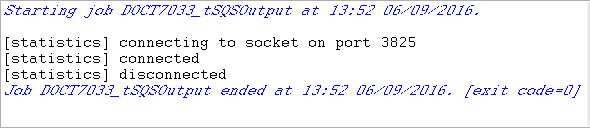 As shown above, the Job is executed successfully.
 -
View the queue details on the AWS console to validate the Job execution
result.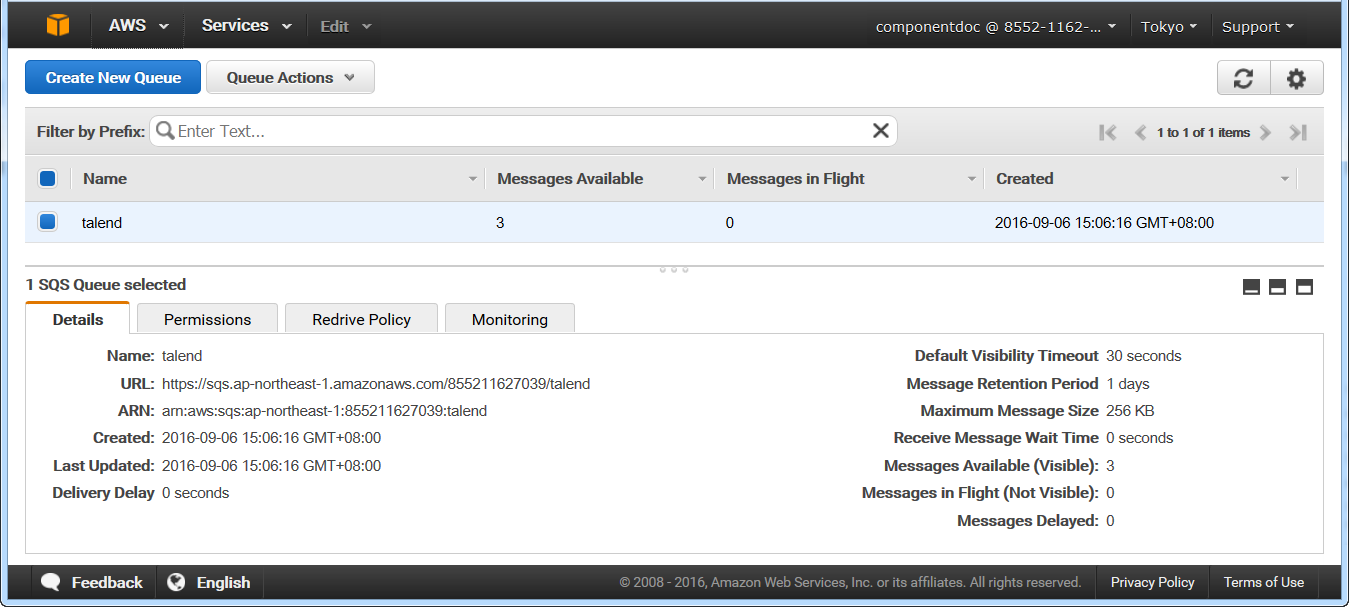 You can see the talend queue is created successfully with the
retention period for one day, and three messages are now available in the
queue. -
Select the talend queue on the AWS console and
then click Queue Actions > View/Delete Messages to view messages in the
talend queue.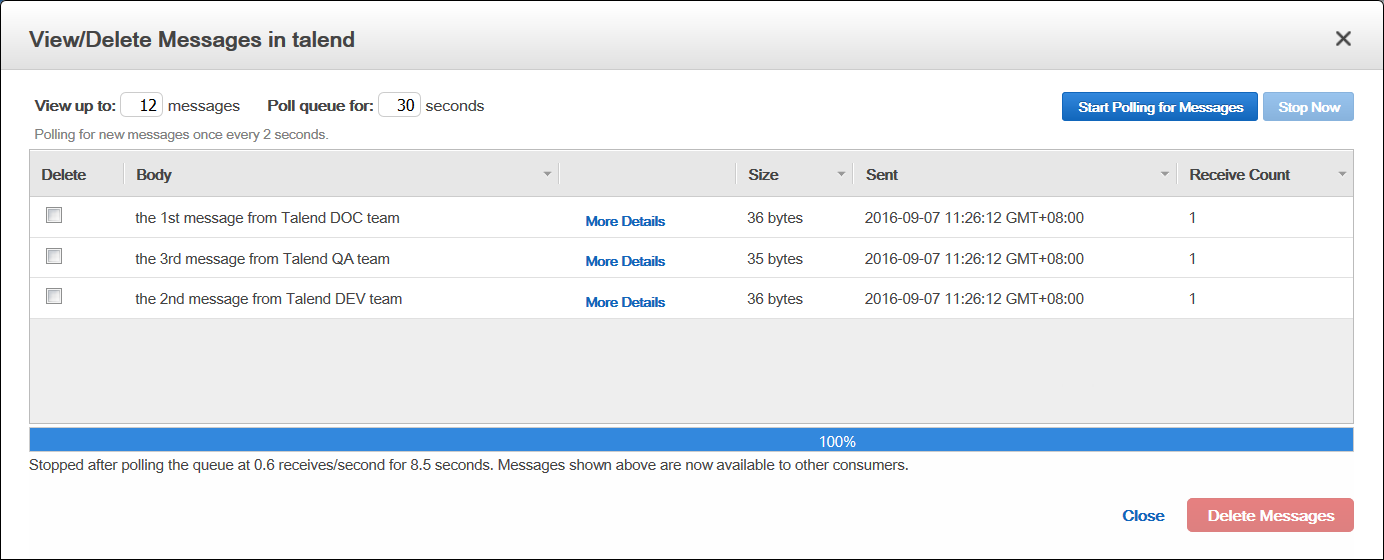 You can see the three messages are now available in the queue.
 -
Click More Details for one of the
messages to view the detailed information of the message.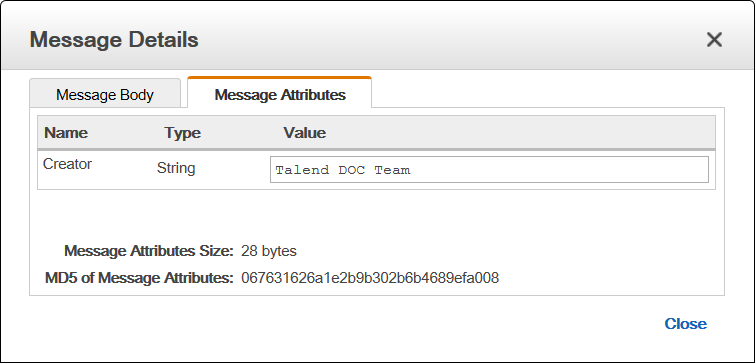 You can see the customized Creator attribute value for the
message is listed on the Message Attributes
tab.
Document get from Talend https://help.talend.com
Thank you for watching.
Subscribe
Login
0 Comments