Executing the Job to retrieve ADSO data from SAP BW
- Press Ctrl + S to save your Job.
- Press F6 to execute your Job.
-
Open the file generated to check the retrieved data.
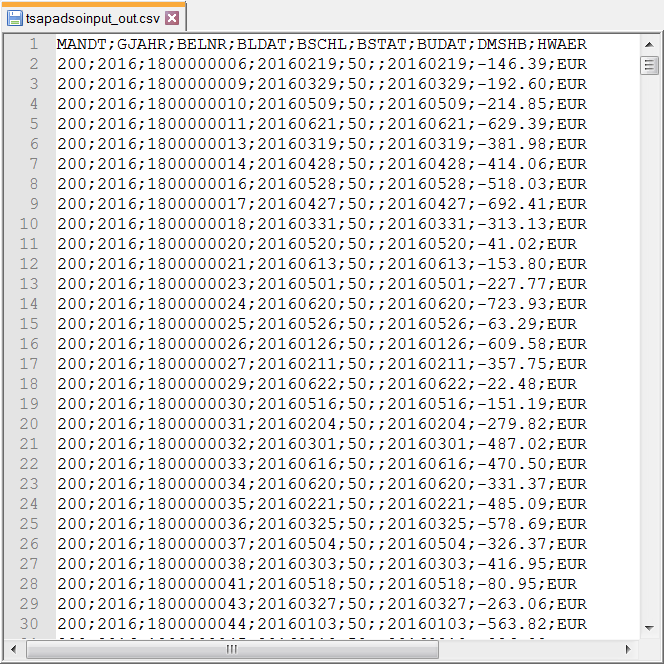
You will find only the data of the columns specified in the schema has
been retrieved and written into the file.
Document get from Talend https://help.talend.com
Thank you for watching.
Subscribe
Login
0 Comments