Executing the Job to retrieve Amazon SQS messages
After setting up the Job and configuring the components used in the
Job for retrieving Amazon SQS messages, you can then execute the Job and verify the Job
execution result.
Job for retrieving Amazon SQS messages, you can then execute the Job and verify the Job
execution result.
-
Press Ctrl + S to save the Job and
then F6 to execute the Job.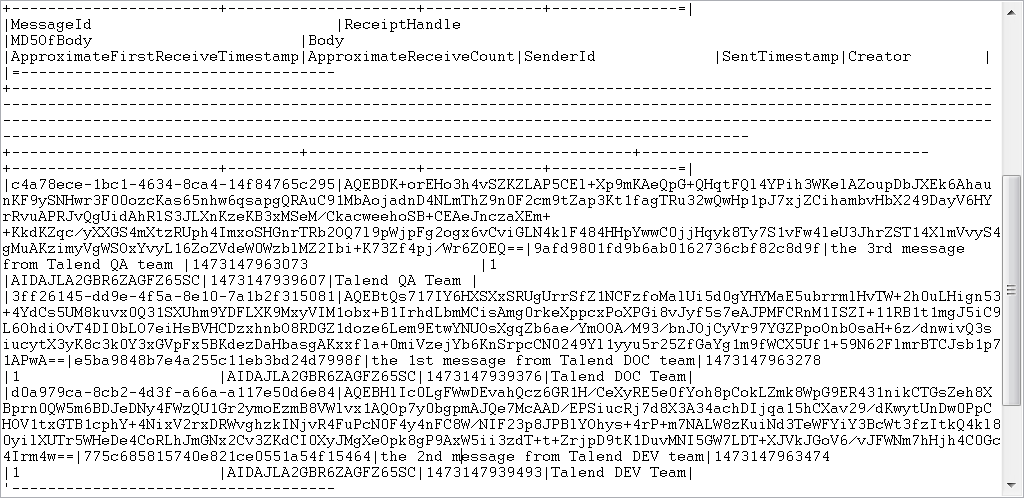 As shown above, all three messages and their attributes are retrieved and
displayed on the console. -
View the queue details on the AWS console to validate the Job execution
result.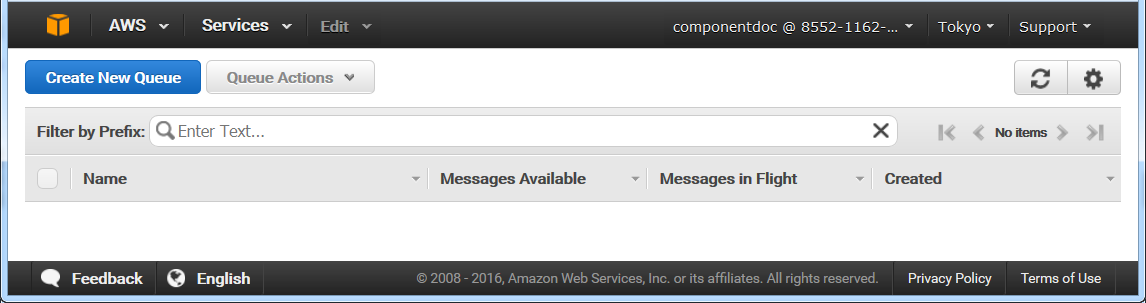 You can see the talend queue has already been deleted and is
not on the AWS console any more.
Document get from Talend https://help.talend.com
Thank you for watching.
Subscribe
Login
0 Comments