Filtering attributes
-
Double-click tFilterColumns to open its
Component view.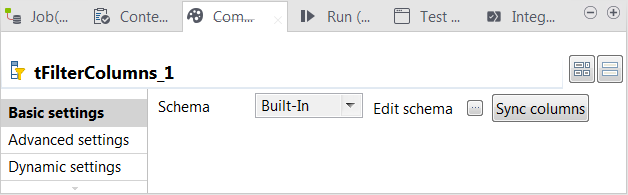
- Click the […] button next to Edit schema to open the schema editor.
-
On the left side (the input side), select the column to be used and click the

button to move this column to the right side (the output
side). In this example, move every column to the right side except the contentType column.Each column represents a file attribute and the pre-defined schema of tMongoDBGridFSProperties automatically contains these
columns.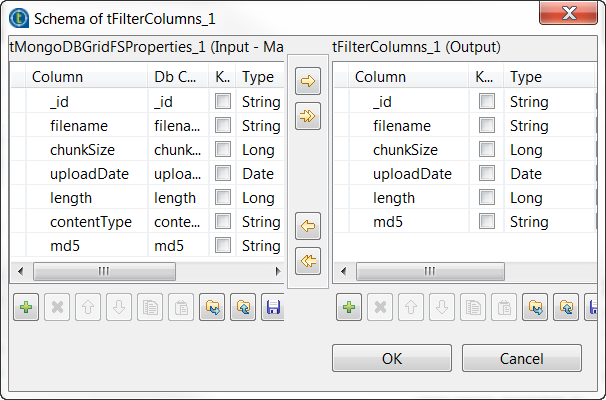
-
Click OK to validate these changes and accept the
propagation prompted by the pop-up dialog box.
Document get from Talend https://help.talend.com
Thank you for watching.
Subscribe
Login
0 Comments